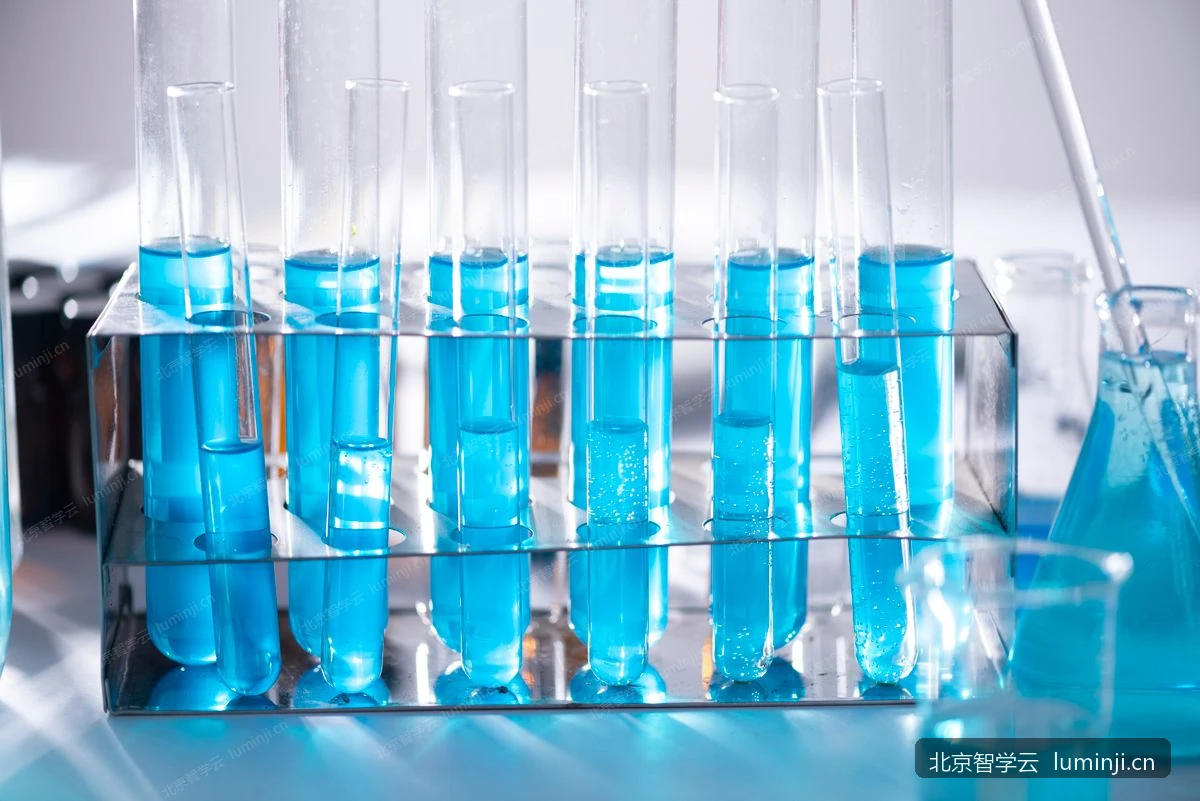
Multi-Camera Lab Demonstration System
One teacher station — every student sees the experiment clearly
Through multi-stream HD capture from overhead, side, and microscope views synchronized to classroom displays and student terminals, the system solves the common lab classroom problems of details being too small, incomplete views, and back-row visibility. Supports group teaching, in-class quizzes, seat monitoring walls, lab session recording and playback, and cross-school remote teaching observation.
Book a demo for this productProduct Demo
Pain Points & Solutions
Experiment details are too small; back-row students cannot see clearly
Multi-camera HD capture synchronized to displays and terminals so every student observes clearly
Single demonstration angle; key steps easily missed
Overhead + side + microscope multi-angle switching for complete operational detail
No review materials after class; hard to reflect on teaching
Automatic lab session recording and archival with post-class playback and teaching research sharing
Core Capabilities
Unified Multi-Camera Integration
Network and local camera support with standardized overhead, side, and microscope camera configuration.
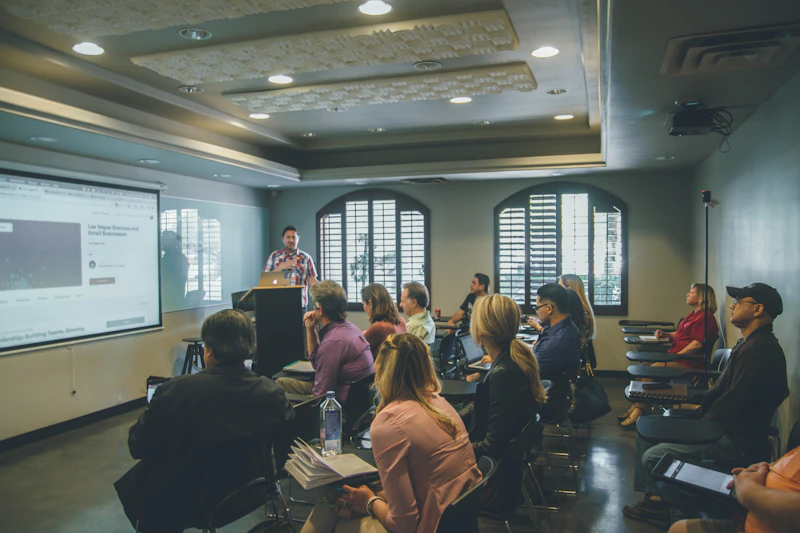
Classroom Display Sync
One-click teacher push to project live experiment footage to classroom displays.

Student Terminal Split View
Synchronized viewing on student seat terminals with multi-stream layout switching.
Lab Session Recording
Automatic session-linked recording, secure archival storage, with playback and download support.
Seat Online Monitoring
Real-time visibility of terminal heartbeat, bandwidth speed test, and device status.

Remote Teaching Observation
Cross-school remote lab session observation to promote sharing of quality resources.
Deployment Architecture
Deployed in school labs: school-level management platform for centralized control, cross-platform student lab terminals receiving session commands and multi-stream feeds, teachers demonstrating and monitoring via browser. Shares the same terminals and school platform as the practical exam system — no duplicate infrastructure.
- •School platform recommended in lab server room or campus data center; teacher PC accessed via browser
- •Student terminal client supports Windows, Linux, macOS, and major domestic OS; unified school image deployment
- •Multi-camera devices (overhead/side/microscope) connect via USB or network; unified platform management and monitoring
- •Classroom display synced via teacher PC projection or dedicated display terminal
- •Session recordings and teaching data reportable to regional platform for teaching research and analytics
Recommended Hardware Configuration
Recommendations for a standard smart lab (24 seats). Demonstration and exam share terminals; adjust by subject and classroom scale.
Standard Smart Lab (24 seats)
Supports daily multi-camera demonstration, group teaching, and in-class quizzes
| Role | Recommended spec | Notes |
|---|---|---|
| School server | 8-core CPU · 32 GB RAM · 2 TB SSD | Shared with exam system; hosts video archival and session data |
| Student lab terminal | 8 GB RAM · 256 GB SSD · Gigabit NIC | Cross-platform client (Win / Linux / macOS / domestic OS), 1 per seat |
| Overhead camera | 1080p or higher, USB or network camera | Captures bench overview; primary demonstration and recording feed |
| Side camera | 1080p or higher | Captures operational details and hand movements |
| Microscope / electronic eyepiece | Biology-specific, supports terminal feed integration | Configure as needed; not required for all subjects |
| Classroom display | 1080p projector or 75-inch+ interactive panel | Whole-class synchronized demonstration viewing |
| Teacher PC | 8 GB RAM · dedicated GPU (recommended) | Screen sharing, multi-stream preview, and session console |
| Network | Lab gigabit LAN | Real-time video and courseware delivery are bandwidth-sensitive; wired to seat recommended |
School server:Shared with exam system; hosts video archival and session data
Student lab terminal:Cross-platform client (Win / Linux / macOS / domestic OS), 1 per seat
Overhead camera:Captures bench overview; primary demonstration and recording feed
Side camera:Captures operational details and hand movements
Microscope / electronic eyepiece:Configure as needed; not required for all subjects
Classroom display:Whole-class synchronized demonstration viewing
Teacher PC:Screen sharing, multi-stream preview, and session console
Network:Real-time video and courseware delivery are bandwidth-sensitive; wired to seat recommended
Scale-Up & Enhancement (optional)
Supplementary recommendations for multi-lab, remote teaching research, or weak-network environments
| Role | Recommended spec | Notes |
|---|---|---|
| Bandwidth speed test | Built-in batch speed test; recommend ≥ 50 Mbps per seat | One-click network quality check for all terminals before class |
| Storage expansion | Add NAS or object storage based on recording retention period | Default local storage on school server; external storage for large scale |
| Domestic terminals | Phytium / Loongson / Zhaoxin architectures | Student terminal client supports domestic OS; can mix with Windows terminals |
Bandwidth speed test:One-click network quality check for all terminals before class
Storage expansion:Default local storage on school server; external storage for large scale
Domestic terminals:Student terminal client supports domestic OS; can mix with Windows terminals
Detailed Feature List
Platform foundation, end-to-end workflows and regional oversight for education authorities and schools
Platform Foundation
- ✓Shares student lab terminals with the exam system
- ✓Cross-platform student terminal client (Windows / Linux / macOS / domestic OS)
- ✓Browser-based admin console with separate teacher and admin roles
- ✓Teacher account management, subject binding, and bulk import
- ✓Semester configuration and teaching statistics filtered by semester
Lab & Device Management
- ✓Lab info maintenance: room number, name, subject, location, notes
- ✓Lab list showing seat count and total registered devices
- ✓Seat add, edit, delete, and search by seat/device number
- ✓Terminal device binding and unbinding to seats
- ✓School-wide terminal overview with overhead/side/microscope status columns
- ✓Device online, network, storage, camera, and bandwidth monitoring
- ✓Auto-refresh on device status page
- ✓Per-seat video source configuration
- ✓Batch network bandwidth speed test
- ✓Remote terminal restart and version upgrade
Multi-Camera Capture
- ✓Standardized overhead, side, front, and microscope camera management
- ✓Network and local camera integration
- ✓Low-latency real-time video transmission and preview
- ✓Biology electronic eyepiece feed integration
- ✓Student terminal preview of own seat multi-camera feeds
- ✓Required/optional camera rules per experiment
- ✓Pre-class validation of seat camera readiness
Classroom Demonstration
- ✓Create, start, and end lab sessions with real-time terminal push
- ✓Multi-stream live push to student terminals
- ✓Classroom display projection sync
- ✓Teacher screen sharing to student terminals
- ✓Free multi-stream layout switching
- ✓Experiment step guidance with embedded in-step mini-quizzes
- ✓Push experiment steps, courseware, and demonstration videos
- ✓Demonstration video list, fullscreen, speed control, and local cache
Lab Resources & Lesson Plans
- ✓Experiment info, infographics, and step detail maintenance
- ✓Answer sheet template image and demonstration video upload
- ✓Editing locked after experiment enabled; draft cloning supported
- ✓Experiment and lesson plan bundle import/export
- ✓Custom multi-stage lesson plan creation, publishing, and copying
- ✓One-click lab session creation from lesson plan
- ✓Pull, enable, and cross-school copy of regional experiment templates
Lab Session Control
- ✓Color-coded seat monitoring wall with anomaly marking and dual view
- ✓Real-time preview of each seat's multi-camera feeds
- ✓Terminal first-time setup: platform address connectivity verification
- ✓Terminal registration, seat binding, and same-seat device takeover
- ✓Terminal heartbeat reporting of hardware status
- ✓Batch start/end practice for entire class or designated seats
- ✓Terminal screen lock and unlock
- ✓Push files and courseware to terminals
- ✓Terminals receive sessions and control commands in real time
Recording & Data Collection
- ✓Full lab session automatic server-side recording
- ✓Student multi-camera experiment recording uploaded per camera requirements
- ✓Answer sheet photo upload
- ✓Student practice video and output file upload
- ✓Secure recording archival and retention policy
- ✓Post-class online recording playback
- ✓Key teaching event timeline recording
- ✓Single-session summary statistics and report export
Group Teaching
- ✓Teaching groups auto-generated by order, random, row, or front/back half
- ✓Configurable group size with manual drag adjustment
- ✓In-group whiteboard visible only to group members
- ✓In-group discussion messages for teacher-student interaction
- ✓In-group voice broadcast and intercom
- ✓In-group courseware and session recording push
- ✓Per-group seat monitoring, screen lock, and file delivery
- ✓Broadcast teacher screen to group
- ✓Peer review and student demonstration bound to teaching groups
In-Class Quizzes & Surveys
- ✓In-class quizzes and surveys independent from exam digital papers
- ✓Test mode (auto-scored objective questions) and survey mode (unscored)
- ✓Eight question types: single choice, multiple choice, true/false, fill-in, short answer, etc.
- ✓Targeted release: entire class, designated seats, or designated teaching groups
- ✓Full workflow: draft assembly, publish, student response, collection
- ✓Auto-save quiz response drafts
- ✓Real-time participation rate, option distribution, and objective accuracy statistics
- ✓Quiz report page generation with print support
- ✓Quiz statistics table export
Review & Peer Assessment
- ✓View student submitted videos and answer sheets
- ✓Score by assessment criteria
- ✓Synchronized overhead and side video review commentary
- ✓Custom review templates
- ✓Push review and peer assessment videos to terminals for playback
- ✓Peer assessment task dispatch and score submission
- ✓Student demonstration task dispatch and terminal playback
- ✓Session console digital answer sheet view (when question bank bound)
Teaching Statistics & Reporting
- ✓Statistics by subject, grade, class, teacher, lab, experiment, and semester
- ✓Monthly aggregation and daily trend analysis
- ✓Last 7/30/90 days or designated semester filtering
- ✓Statistics scope counts lab sessions only, separate from exams
- ✓Teaching statistics table export
- ✓Single session report to regional platform
- ✓Batch session catch-up upload and sync queue management
- ✓Regional cross-school lab summary: by school/subject/grade/class/teacher/semester
- ✓Regional statistics report export
- ✓Cross-school remote teaching observation
Highlights
- ✓Group teaching & in-class quizzes
- ✓Seat monitoring wall
- ✓Multi-dimensional teaching analytics
- ✓Multi-stream video demonstration
- ✓Shared terminals with exam system
Target Users
- •Physics, chemistry & biology teachers
- •School laboratories
- •Regional teaching research institutions
Start Your Science Lab Digitalization
Book a demo for a tailored solution and quote. We respond within one business day.